
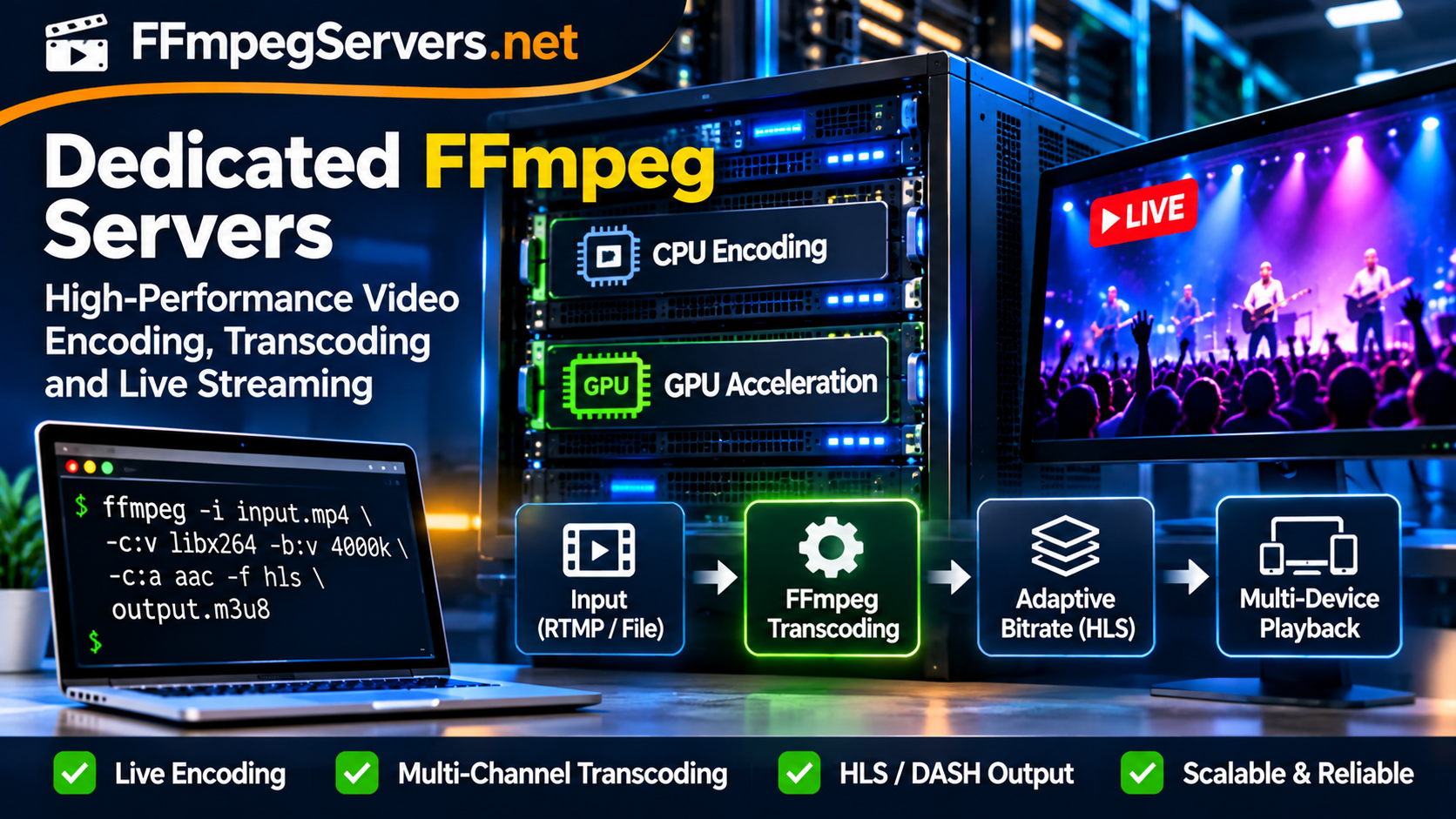
Building a professional video streaming platform requires more than installing multimedia software on a powerful computer. The underlying hardware must be selected according to the type of video processing, the number of simultaneous broadcasts and the expected audience.
FFmpeg is one of the most versatile multimedia frameworks available today. It is used for video encoding, transcoding, recording, format conversion and live broadcasting across a wide range of industries.
However, an infrastructure configuration that performs exceptionally well for one application may be completely unsuitable for another.
Businesses evaluating dedicated servers for professional video streaming should therefore begin by identifying their actual processing and distribution requirements rather than simply comparing processor specifications.
In some situations, a conventional CPU-based server provides excellent performance. In others, GPU acceleration can significantly improve processing capacity and reduce the cost per encoded stream.
Understanding these differences is essential before investing in dedicated infrastructure.
Video distribution is not the same as video transcoding
One of the most common mistakes when selecting streaming hardware is assuming that every live broadcast requires substantial processing power.
Consider two different streaming applications.
The first receives an already encoded H.264 video stream from a remote broadcaster and distributes that video to viewers without changing its resolution or compression settings.
The second receives the same video but converts it into several resolutions and bitrates for adaptive streaming.
Although both applications deliver live video, their processing requirements are considerably different.
| Operation | CPU demand | GPU requirement | Network demand |
|---|---|---|---|
| RTMP ingestion | Low | None | Depends on incoming streams |
| Stream copying | Low | None | Depends on bitrate |
| HLS packaging | Low to moderate | None | Depends on audience |
| Live video recording | Low to moderate | None | Depends on configuration |
| Software transcoding | High | None | Variable |
| Hardware-accelerated transcoding | Variable | Usually beneficial | Variable |
| Large-scale video distribution | Variable | Usually unnecessary | High |
A server primarily responsible for receiving and distributing encoded video may be limited by network capacity rather than processing performance.
Conversely, a server generating multiple video quality levels may reach its processing limits long before its network connection becomes saturated.
Understanding FFmpeg stream copying
FFmpeg can transfer compressed video and audio between compatible containers without decoding and re-encoding the media.
This operation is commonly referred to as stream copying.
A simplified example is:
ffmpeg -i input.mp4 -c copy output.mkvIn this example, FFmpeg copies the existing video and audio streams into a different container without performing a complete encoding operation.
Because the media is not re-encoded, processing requirements are relatively low and there is no additional compression-related quality loss.
A similar approach can be used to package compatible incoming live video for HLS delivery:
ffmpeg -i rtmp://localhost/live/channel \
-c copy \
-f hls \
-hls_time 4 \
-hls_list_size 6 \
-hls_flags delete_segments \
/var/www/html/live/index.m3u8
This illustrative configuration assumes that the incoming video and audio codecs are compatible with the selected HLS output and that the destination directory already exists.
Actual segment duration will also depend on the keyframe structure of the incoming video.
The official FFmpeg documentation provides detailed information about stream selection, codecs, filters and output formats.
For broadcasters receiving properly encoded streams, avoiding unnecessary transcoding can substantially reduce infrastructure costs.
When CPU-based transcoding makes sense
Traditional software encoding uses the server’s central processing unit to compress video.
FFmpeg supports several software encoders, including libx264 for H.264 and libx265 for HEVC.
CPU-based encoding remains attractive because it offers considerable flexibility and control over encoding parameters.
For example, a broadcaster could generate a 720p version of an incoming video using the following command:
ffmpeg -i input.mp4 \
-vf scale=-2:720 \
-c:v libx264 \
-preset veryfast \
-b:v 2500k \
-maxrate 2500k \
-bufsize 5000k \
-c:a aac \
-b:a 128k \
output-720p.mp4
This example resizes the source video while maintaining its aspect ratio and encodes the resulting output using H.264.
The encoding preset influences the relationship between processing speed and compression efficiency.
Faster presets generally reduce CPU requirements but may produce lower compression efficiency at comparable visual quality.
Slower presets can improve compression efficiency but require additional processing time.
For live broadcasting, the encoder must consistently process video at or above real-time speed. Otherwise, processing delays can accumulate and interrupt the broadcast.
Does a streaming server need a GPU?
A graphics processing unit is not automatically necessary for professional streaming.
Many broadcasting platforms operate successfully using conventional dedicated servers without discrete graphics cards.
However, GPU acceleration becomes particularly interesting when multiple video streams must be transcoded simultaneously.
Modern graphics hardware may include specialised video encoding and decoding engines capable of processing supported codecs without relying exclusively on the CPU.
NVIDIA, for example, provides hardware encoding and decoding technologies through its Video Codec SDK.
FFmpeg builds with appropriate hardware support can use encoders such as h264_nvenc.
A simplified example is:
ffmpeg -i input.mp4 \
-c:v h264_nvenc \
-preset p4 \
-b:v 4000k \
-c:a aac \
-b:a 128k \
output.mp4
This command requires a compatible NVIDIA GPU, suitable drivers and an FFmpeg build supporting NVENC.
It demonstrates hardware-assisted video encoding, although decoding and filtering may still use CPU resources depending on the configuration.
Intel Quick Sync Video and AMD hardware encoding technologies provide additional alternatives.
Hardware selection should consider supported codecs, encoding quality, available memory, driver compatibility and any applicable concurrent encoding session limitations.
Comparing CPU and GPU streaming infrastructure
| Consideration | CPU-based encoding | GPU-accelerated encoding |
|---|---|---|
| Initial hardware cost | Often lower | Often higher |
| Encoding flexibility | Extensive | Hardware and driver dependent |
| Multiple simultaneous encodes | Limited by CPU capacity | Often more efficient |
| Power efficiency | Workload dependent | Frequently advantageous at scale |
| Stream copying | Excellent | GPU generally unnecessary |
| Codec availability | Software dependent | Hardware generation dependent |
| Best application | General-purpose processing | High-density video transcoding |
There is no universal winner.
A GPU server may be an unnecessary expense for an internet television station that receives and distributes a single pre-encoded stream.
For a platform generating multiple adaptive bitrate outputs across numerous channels, hardware acceleration may provide better overall economics.
Calculating adaptive bitrate requirements
Adaptive bitrate streaming allows viewers to select or automatically receive video quality appropriate to their connection speed.
Consider a hypothetical broadcasting platform receiving ten simultaneous 1080p channels.
Each channel retains its original video stream and generates three additional quality levels.
| Resolution | Illustrative video bitrate |
|---|---|
| 1080p source | 5 Mbps |
| 720p | 2.5 Mbps |
| 480p | 1.2 Mbps |
| 360p | 0.6 Mbps |
Each channel would produce four available video representations, including three newly encoded outputs.
Across ten channels, the infrastructure would therefore need to support 30 simultaneous transcoding outputs in addition to handling the original streams.
This is considerably more demanding than distributing ten pre-encoded broadcasts.
The exact hardware required cannot be determined from the number of streams alone. Resolution, frame rate, codec, encoding preset, filtering and source complexity all influence performance.
Benchmarking with representative video content is essential.
Network capacity remains critical
Even a server equipped with powerful processors and multiple GPUs cannot deliver reliable video if its network connection is insufficient.
For example, 200 simultaneous viewers receiving video at an average bitrate of 4 Mbps require approximately 800 Mbps of outbound throughput.
A 1 Gbps network connection would have relatively limited remaining capacity for traffic fluctuations, protocol overhead and other services.
A higher-capacity connection may provide additional operational headroom.
Monthly traffic allowances must also be considered. At this audience size and bitrate, four hours of daily viewing over 30 days would generate approximately 43.2 TB of outbound video traffic.
This calculation excludes protocol overhead and assumes a constant audience throughout the broadcasting period.
Purchasing expensive transcoding hardware without adequate network capacity simply moves the performance bottleneck elsewhere.
Storage and memory considerations
Live streaming servers do not necessarily require enormous amounts of memory or storage.
However, recording, video-on-demand libraries and simultaneous multimedia processing can substantially increase these requirements.
A continuous recording at 5 Mbps generates approximately 54 GB of video data per day.
Ten channels recorded continuously would produce approximately 540 GB per day, or 16.2 TB over 30 days.
Administrators must consider recording retention policies, disk performance, storage redundancy and backup arrangements.
NVMe storage can be particularly useful for workloads involving simultaneous recordings, temporary transcoding files and frequent media segment creation.
Memory requirements depend on the number of active processes, video buffers, streaming software and other applications running on the server.
Benchmark before purchasing expensive hardware
Before committing to a dedicated CPU or GPU server, broadcasters should test representative workloads.
Useful measurements include:
- FFmpeg encoding speed relative to real time.
- CPU utilisation across individual processor cores.
- Hardware encoder and decoder utilisation.
- Memory consumption and disk write performance.
- Dropped frames and playback stability.
- Sustained network throughput during peak demand.
Testing should include multiple simultaneous broadcasts and realistic video content rather than relying exclusively on a single short encoding benchmark.
A configuration that operates close to its maximum capacity during testing may struggle when unexpected workloads occur.
Maintaining sufficient operational headroom is an important part of professional infrastructure planning.
Conclusion
Choosing the right dedicated server for FFmpeg requires a clear understanding of the intended workload.
Video distribution, stream copying, software encoding and hardware-accelerated transcoding place different demands on server infrastructure.
For many broadcasters, a well-configured conventional dedicated server provides an excellent balance between cost and performance.
For more demanding multi-channel transcoding platforms, GPU acceleration may offer significant advantages.
The most effective infrastructure is not necessarily the most expensive. It is the configuration that delivers reliable video processing, sufficient network capacity and predictable performance at a sustainable operating cost.